Forking and Use as Twitter profile image
Draw! has two main new features: forking and use drawing as Twitter profile image.
Forking
Until now using Draw! we were able only to create new pieces of pixel art, today, everything changes.
Introducing forking.
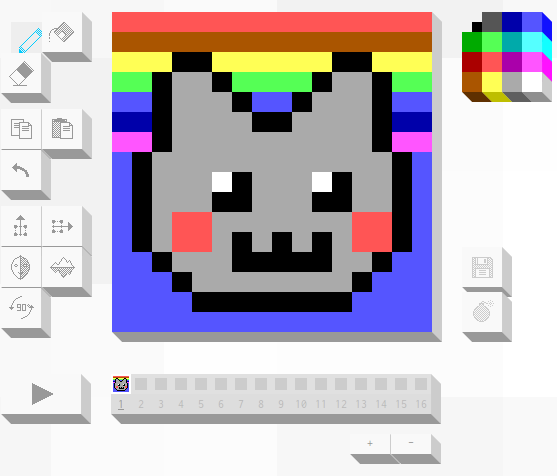
With this feature you can pick any illustration you like to start a brand new design. You can change parts, add and remove animation frames. It is a brand new drawing you own, it’s also related to parent: the starting design.
Open a drawing page and follow Fork link.
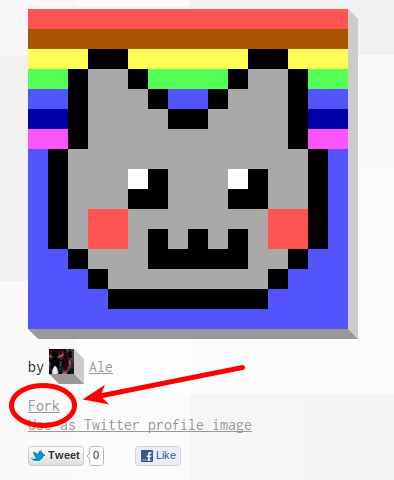
Be creative. You can simply fix a pixel color or completely change the original design. Save your work.
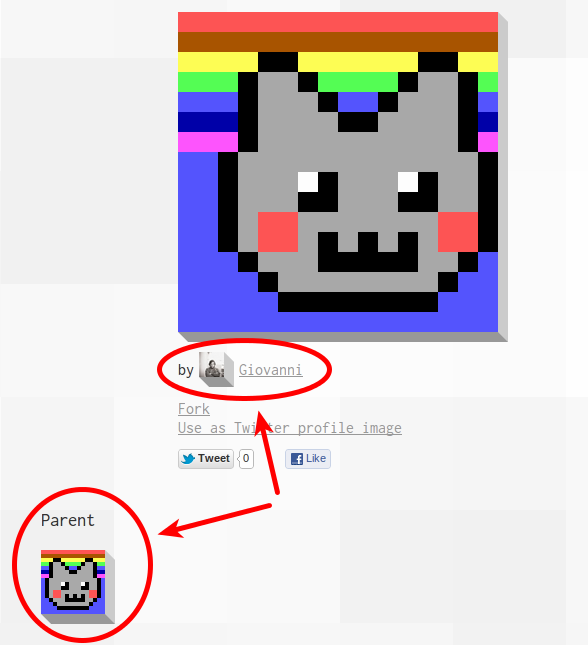
Your fork will include a pointer to the parent
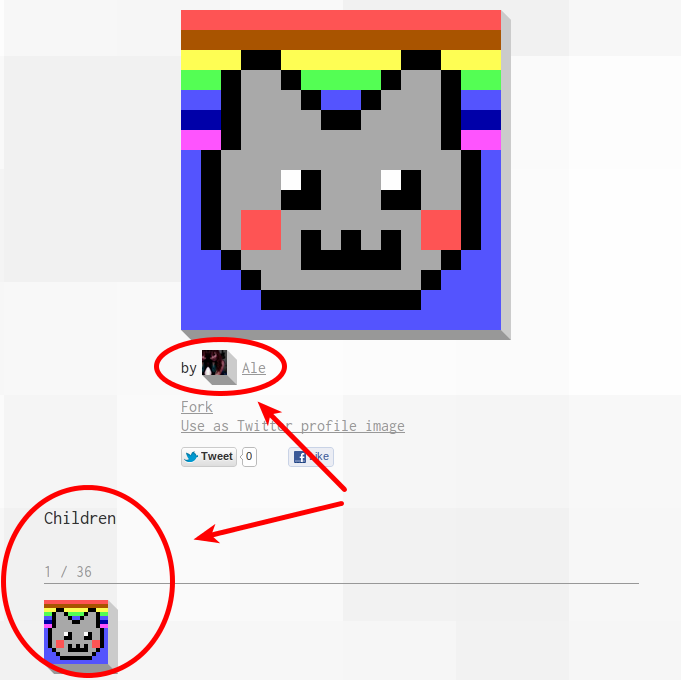
and parent will include a list of children where your new design will appear.
Use drawing as Twitter profile image
No more boring Twitter avatars, now you can draw your own pixel art image or you can choose any drawing as your Twitter profile picture.
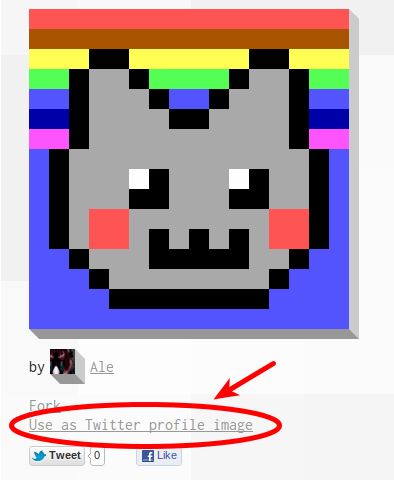
Open a drawing page and follow Use as Twitter profile image link.
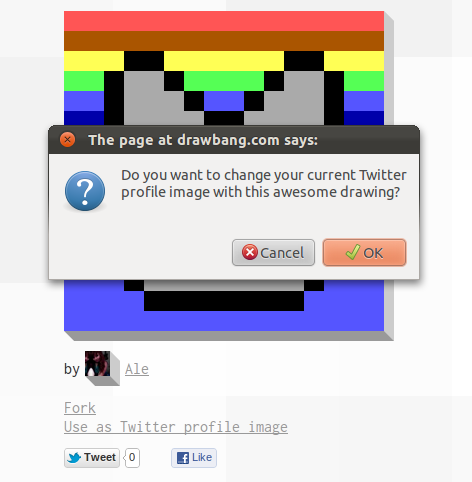
Confirm that you want to use the current image as your new Twitter profile picture.
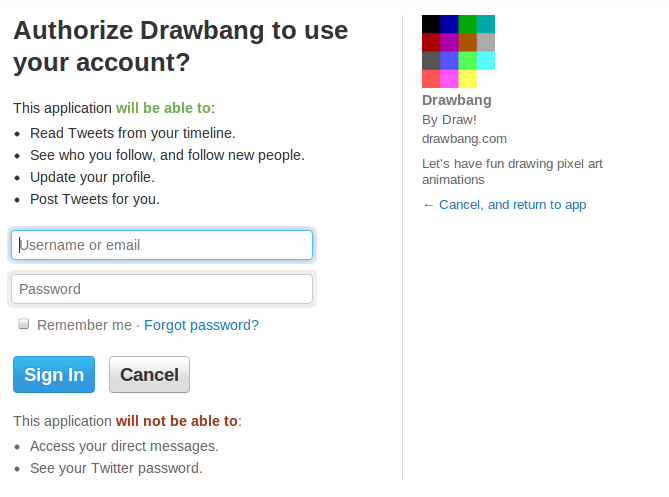
Authorize Draw! Twitter app to access your data. This step is needed to let Draw! upload your new profile image.
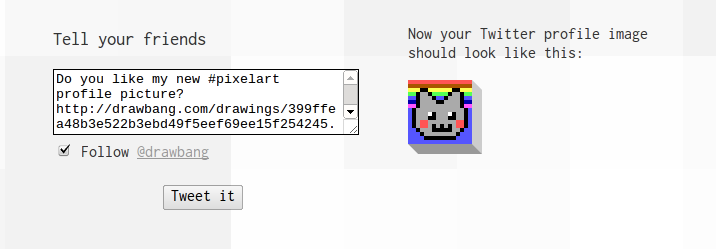
Share with your friends your new pixel art profile picture and follow @drawbang.
Resulting tweet
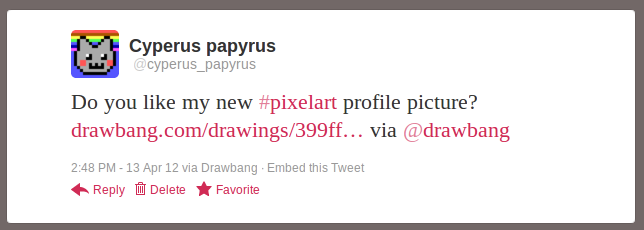
and this is the real tweet from this example:
Do you like my new #pixelart> profile picture? drawbang.com/drawings/399ff…> via @drawbang
— Cyperus papyrus (@cyperus_papyrus) April 13, 2012